Audio Player
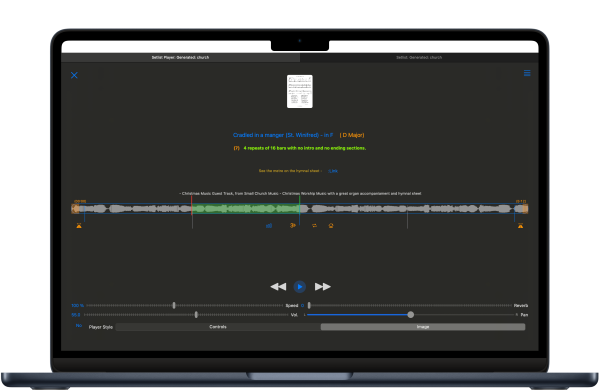
We have a new audio engine and setlist player with some great new features, all sticky configured per-track.
Features
Graphic Equaliser
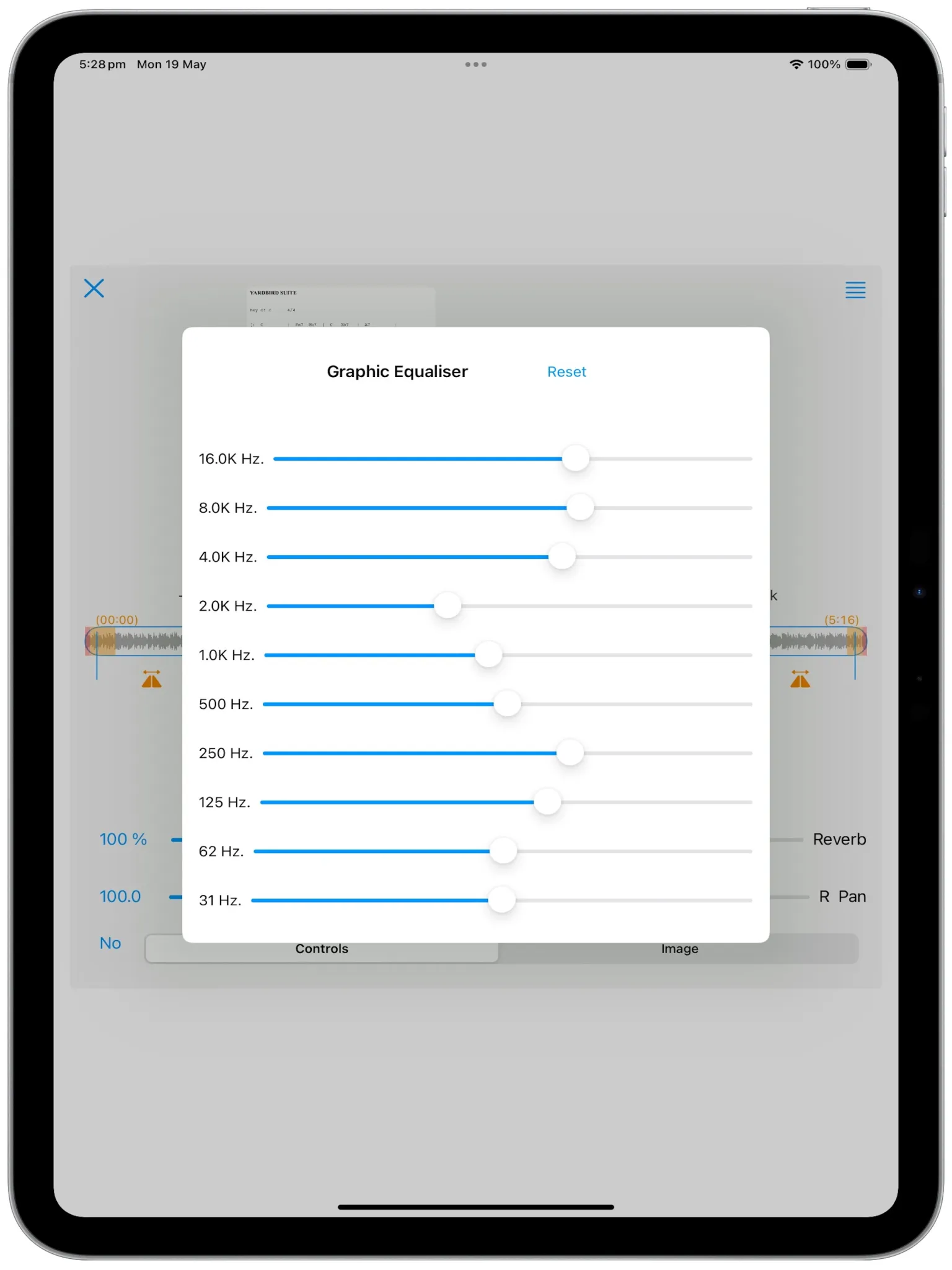
Tailor the tone curve for each audio file in your collection, just how you like them.
Tempo Adjust
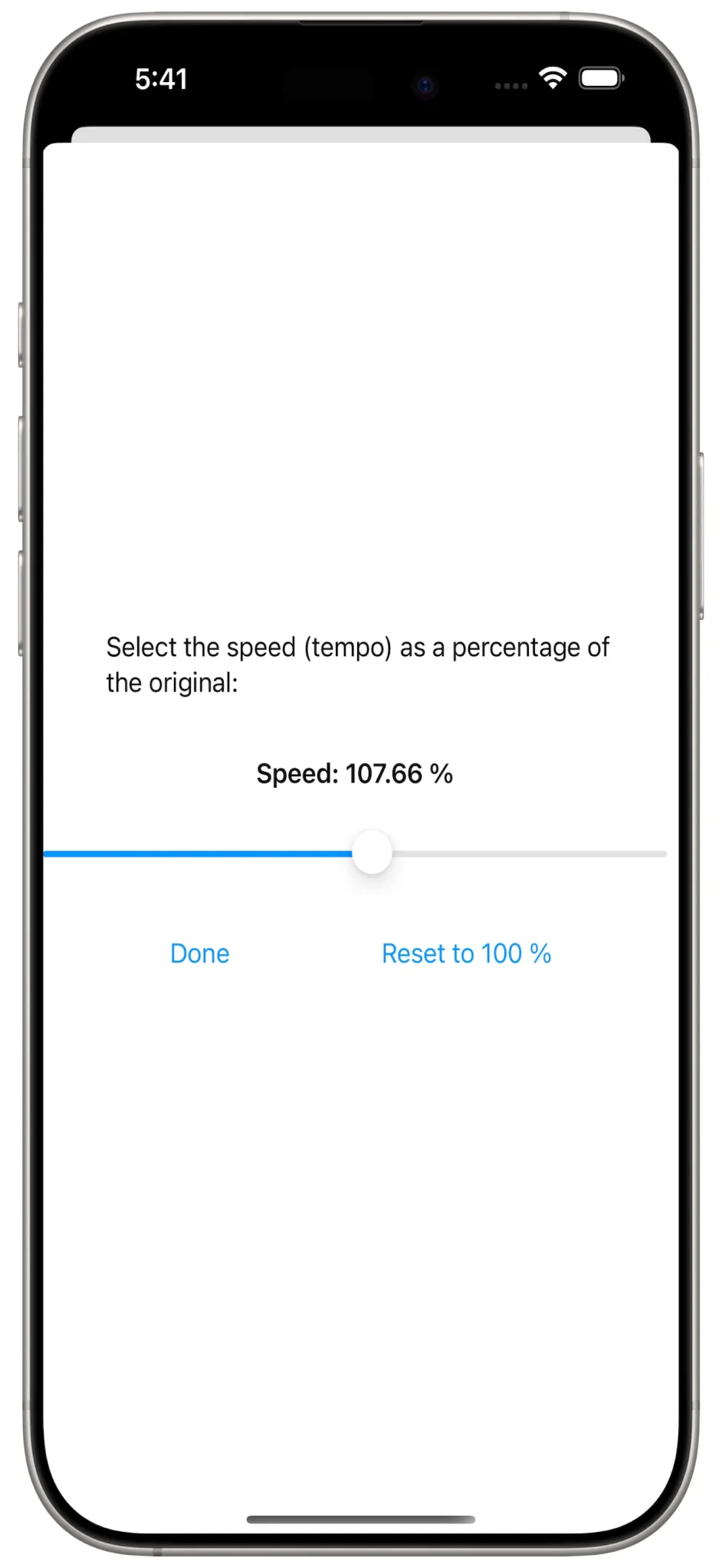
Play the tracks at an altered tempo, as you like them.
Musical Key
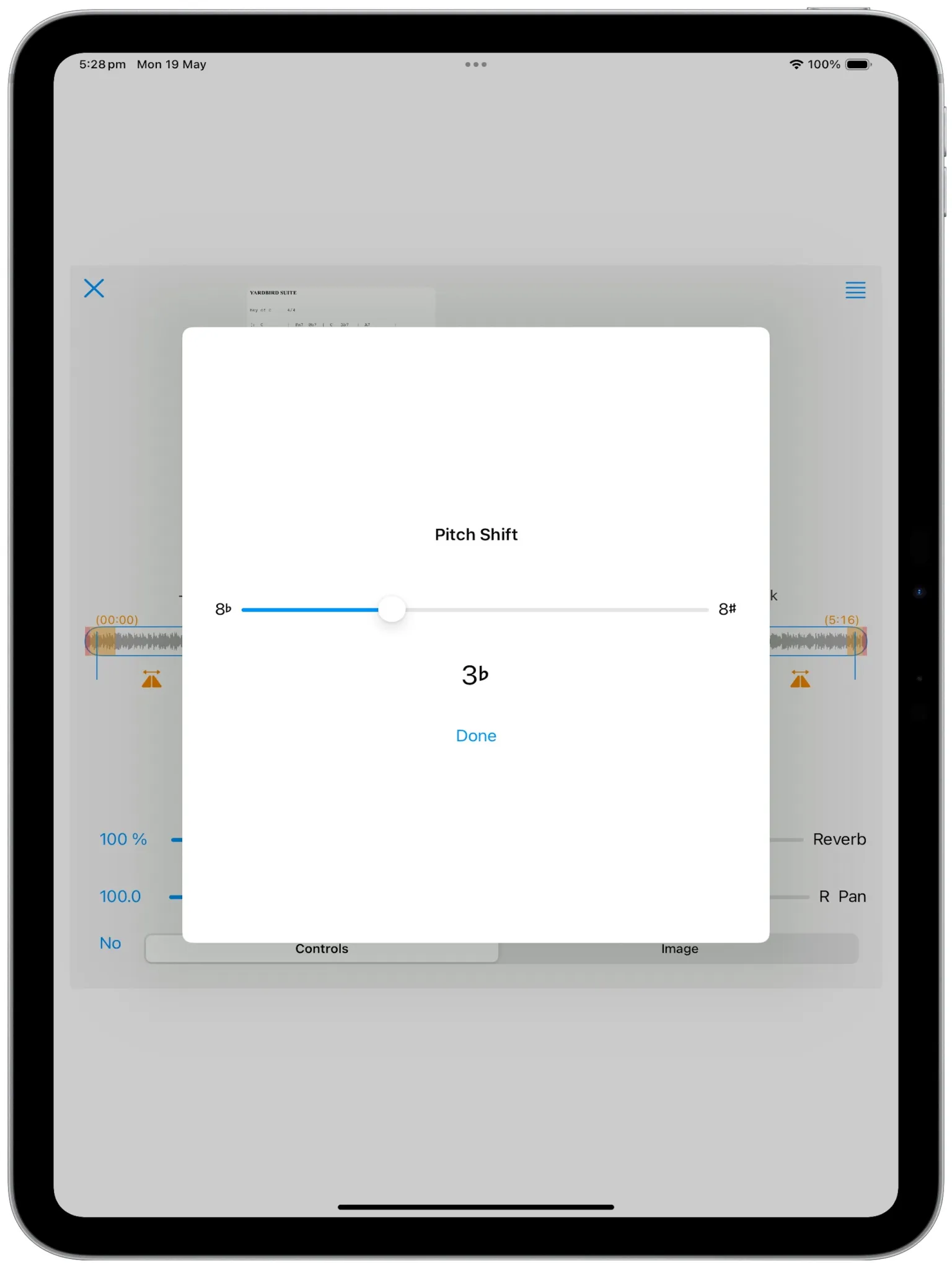
Here we are changing the key of the audio down three semitones.
Reverb Space and Wetness
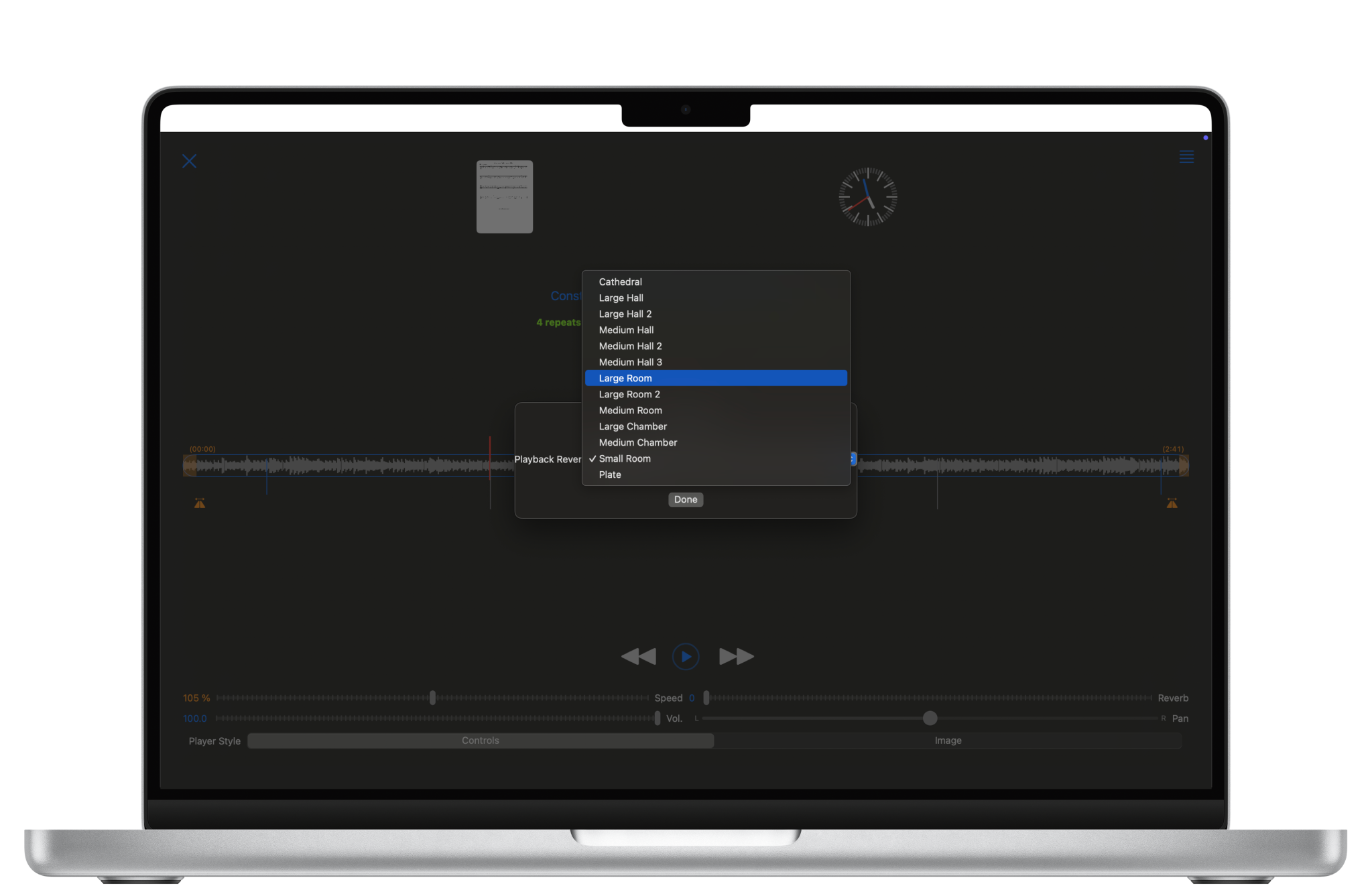
Many reverb spaces are available, and the wetness can be changed very gradually.
Repeat Loops Feature
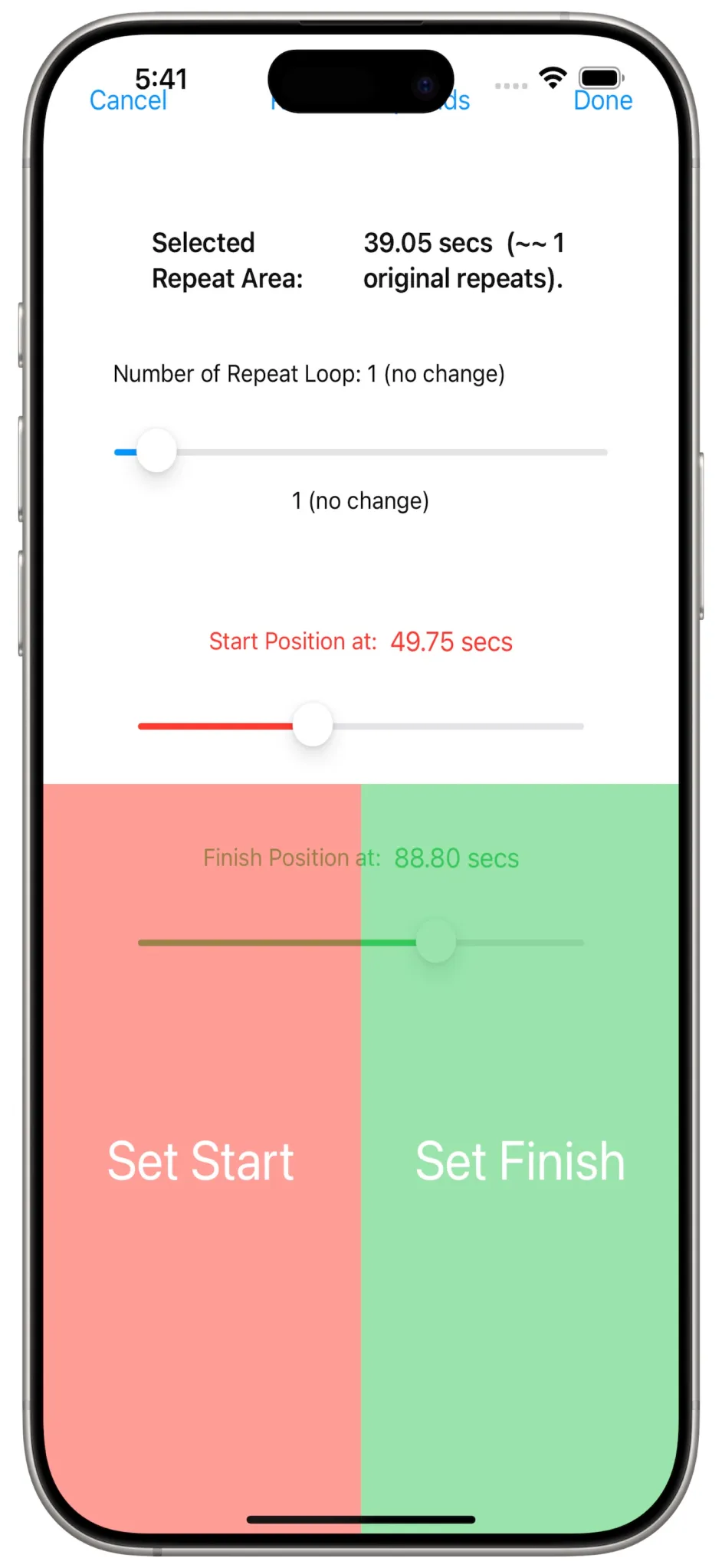
This is the most requested feature of this release, allowing users to change the number of repeats of the chorus by selecting the audio for the repeat and changing the number of times it plays.
Large pads are provided for tapping just when you want the repeat to start and finish. This method achieves very accurate timings.
You select how many times this section will be repeated, from zero to 20 times, allowing for the removal and duplication of audio sections. So helpful in adding additional choruses!
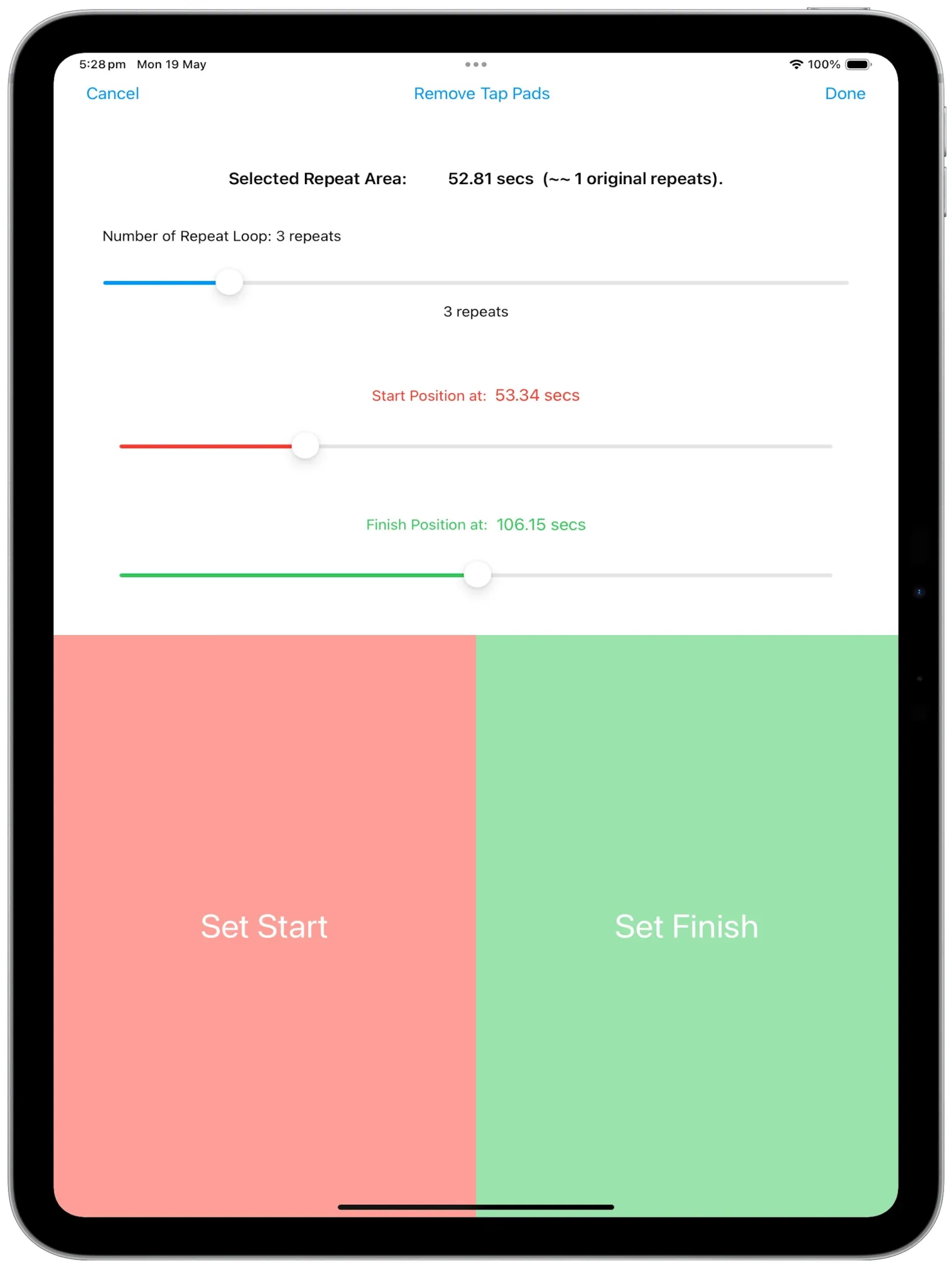
We use the whole screen for this to get the best detection.
Identifying Alterations from default values
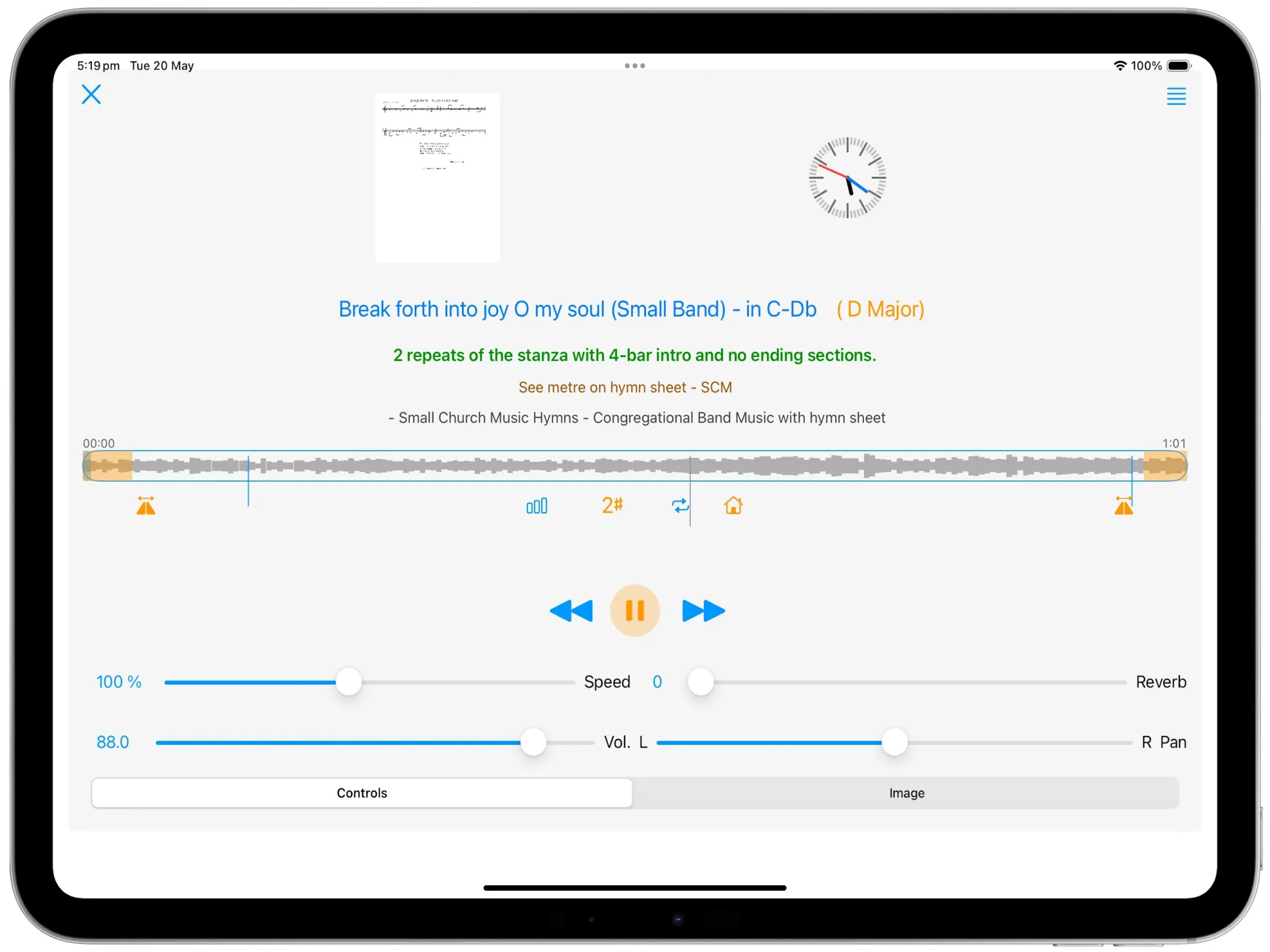
As alterations are made, the icons used to change the values are colored orange. Orange is also the colour of fading, so the image above shows the two configured fade-in and fade-out areas in orange, and as they are then fading in, the play/pause button is also is in orange.
As the pitch has been raised two semitones, the change from the recorded C Major is shown in braces as D Major. A change has been made to the reverb space, so that icon is in orange. Changes to the tempo (aka speed) of the track will also be shown in orange, and the new BPM will be calculated. Similarly, changes to EQ will also be highlighted in orange.
This makes it easier to see which configurations have changed from the default, unadulterated audio.
Setlist player readied with repeat loops configured
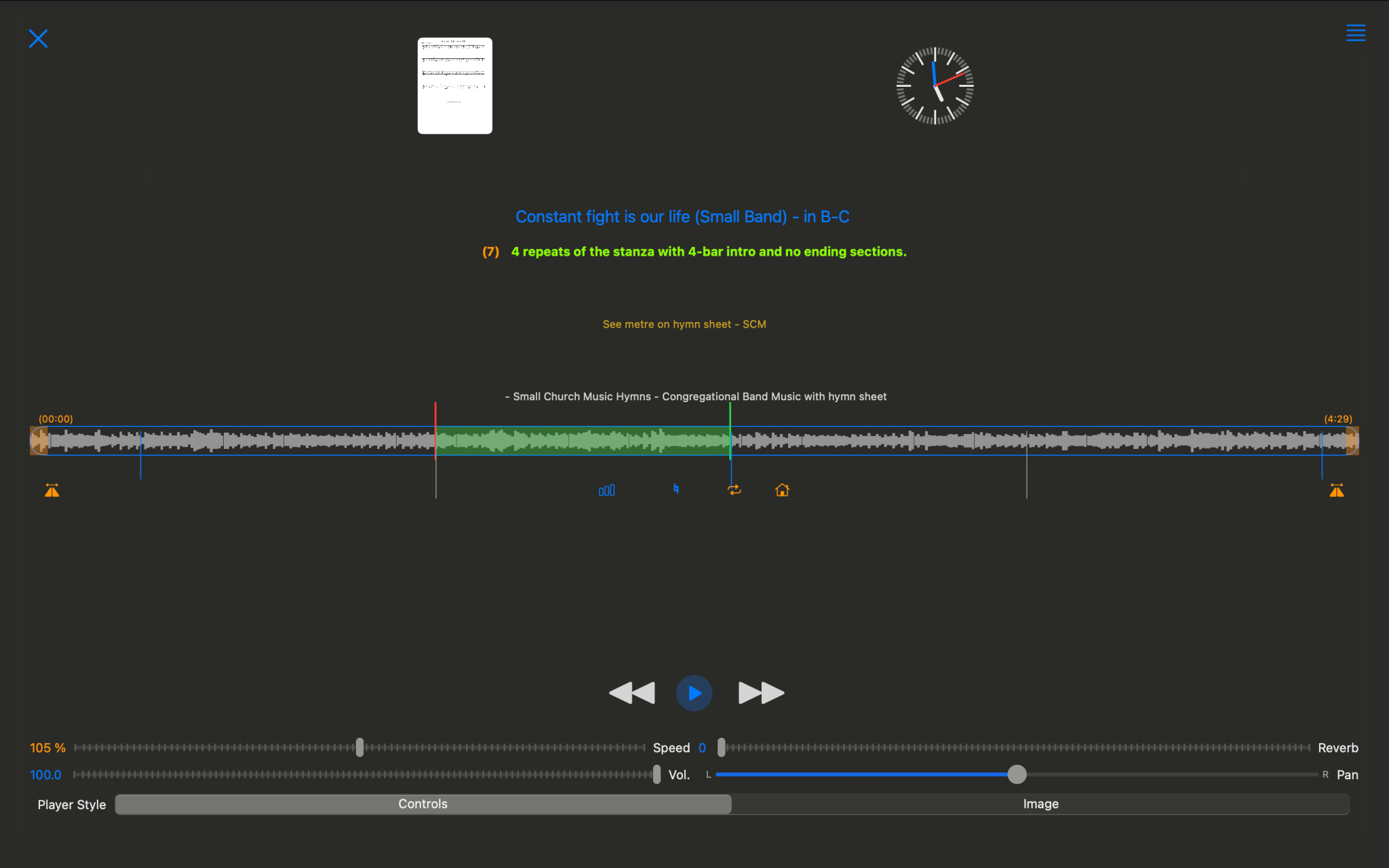
Here, the player is ready to play the entire track, with one of the chorus repeats configured to repeat 3 additional times (for a total of 4), for a total of 7 repeats for the entire track. This 7 is shown alongside the arrangement in green lettering. When play is pressed, the progress bar will change to show ticks for those 7 repeats. In the image above, the original 4 repeat sections are shown (with a 4-bar intro).
This new setlist audio player has so many new features that make the NetTracks experience so much better.